Igniting Hope App support
A little help to
keep you moving forward.
Find answers to common questions, or send us a message. We’re here to help you keep building your daily rhythm of hope.

Getting started
What is the Igniting Hope App?
It’s a Christian declaration and encouragement app that helps you build a daily habit of speaking biblical truth, renewing your mind, and staying connected to Igniting Hope teaching. Explore the app’s features.
Are these just affirmations?
The declarations are rooted in biblical truth, identity in Christ, and renewal of the mind. The practice is about agreeing with God’s truth and growing in hope.
What can I do each day?
Make declarations, record your count, revisit personal declarations, listen to teaching, or read a blog post. Counts, streaks, goals, and rewards help you see your consistency over time.
Can I create my own declarations?
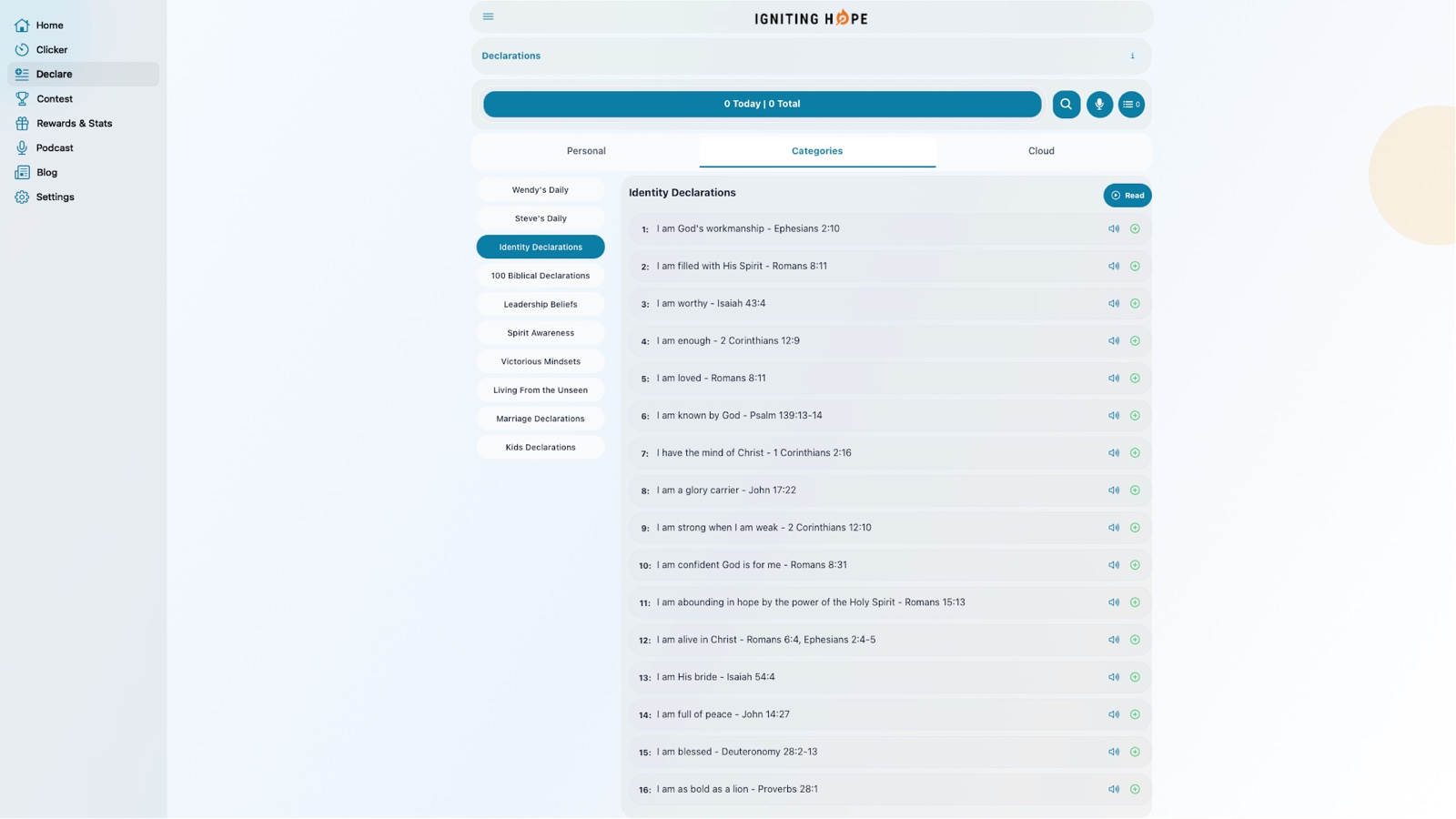
Yes. Open Declarations to create, edit, and organize personal declarations that speak to your current season.
How do I join the Android beta?
First, join our Android beta Google Group. Then open the Google Play tester page, choose Become a tester, and follow the download link. Use the same Google account for both steps. You can join the group yourself; no manual approval is needed.
New members also receive the installation links by email. Allow up to six hours for the welcome email, or use the links above to get started right away.
Which devices can I use?
Use the web app at ignitinghope.app on a computer or mobile browser, or get the iPhone and iPad app. Android is currently in beta; join our Google Group. The Apple Watch companion requires a compatible iPhone and Apple Watch. Native features such as Watch integration are specific to supported Apple devices.
Account & purchases
How do I sign in or reset my password?
Open Settings to sign in using the method you originally chose: email, Google, or Apple. For an email/password account, use the password reset option on the sign-in form and check your inbox and spam folder. Google and Apple passwords are managed by those providers.
What is included in a subscription?
App access, all-rewards unlocking, and premium voice readback are separate options. An app-access subscription does not automatically include every reward or premium voice feature. Check the purchase screen for what’s included, current pricing, and any trial offer before purchasing.
I paid, but a feature is still locked. What should I do?
Confirm that you’re signed in to the correct app account and, for a store purchase, the Apple or Google account used to pay. Use Restore Purchases on the relevant purchase screen where available. If it remains locked, contact us below with the platform, purchase type, and app version. Never send full card details.
How do I manage or cancel a subscription?
Manage the subscription through the provider that billed you. For Apple purchases, open your device Settings → your name → Subscriptions. For Google Play purchases, open Play Store → profile → Payments & subscriptions → Subscriptions. For a web purchase, use the management link provided with your billing receipt. If you can’t find it, contact support with the purchase email and platform. Deleting the app does not cancel a subscription.
Progress & sync
Can I use the app offline?
Core declaration counting is designed to work offline so you can record your practice immediately. Podcast and blog downloads, account features, community updates, and premium voice generation may require an internet connection.
How do I keep progress across devices?
Sign in to the same app account on each device and use the sync tools in Settings → Sync & Cloud. Allow sync to finish before switching devices. Some data and settings are device-specific; syncing does not necessarily transfer every local file or recording.
My count or streak looks wrong. What should I do?
Keep the app installed and preserve any local progress. Connect to the internet, confirm your account, and review Settings → Sync & Cloud. If the problem continues, tell us the affected dates, time zone, devices, and what totals you expected. Please avoid resetting your counter or clearing browser data while we investigate.
How do I enable reminders?
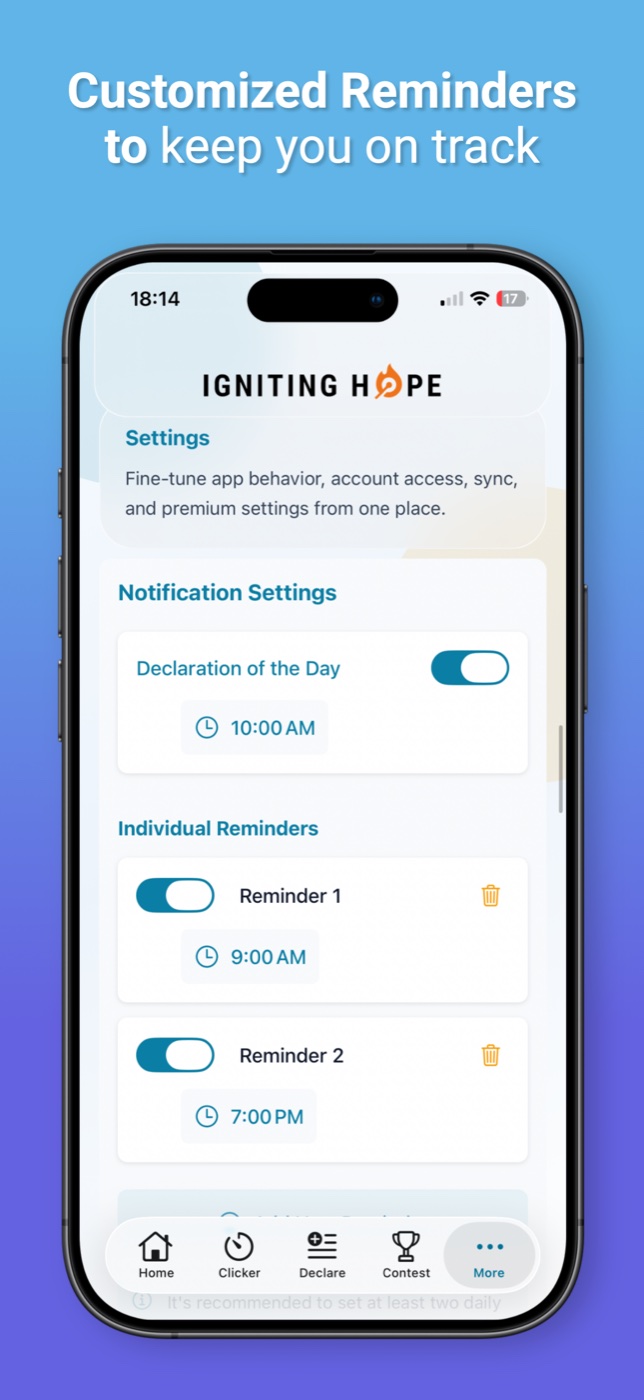
Open the app’s notification settings and choose the reminders you want. Allow notifications in your device or browser settings when prompted. Browser support and delivery vary by device, browser, and permission settings.
Community & audio
Can I use the app by myself or with a group?
Both. Use it for your personal daily practice, join a declaration challenge, or create or join a private Circle for family, friends, a team, or a small group.
How do I join a private Circle?
Sign in, open Circles, and use the invite code shared by the Circle owner. Ask the owner to check your code if you’re unable to join. Circles are intended for private encouragement and shared progress.
What is premium voice readback?
Free readback uses your device’s text-to-speech. Optional premium readback includes voices such as Steve Backlund and Connie Jones and requires the relevant premium access and a connection for new audio generation.
Why can’t I hear readback or podcast audio?
Check your media volume, selected audio output, and Bluetooth connection, then try playing again. For premium readback or a new podcast stream, check your connection. If it still fails, tell us the declaration or episode, your device, and the selected voice.
Delete your Igniting Hope App account or data
You can delete your account in the app at Settings → Advanced → Danger Zone → Delete Account. You can also request deletion here without installing or signing in to the app.
Use the form below, choose Account or data deletion, and enter the email associated with your app account. Tell us whether you want your entire account deleted or only specified data removed. Do not send your password or payment card details. If you used Apple Hide My Email, include your app account’s private relay address if known.
We will verify ownership before deleting data. Account deletion removes access and starts cleanup of your profile and private synced declarations/reflections. Your request can also cover associated progress, community identifiers, private generated audio, support records, and provider records. Shared groups and other people’s contributions are preserved; deleted-user identifiers are removed or de-identified.
Local-only recordings, exports, and backups on your own devices remain under your control. Some billing/security records may be retained for legal obligations, fraud prevention, or disputes; we will explain applicable exceptions when handling your request. Crashlytics reports follow the provider’s retention process. There is currently no fixed automatic expiry for support or billing/security records. See our Privacy Policy for details.
Deleting the app or your account does not cancel your subscription. Cancel through Apple, Google Play, or the web billing provider that billed you. For help, email support@ignitinghope.app or use the request form below.
Request account or data deletion →Let’s get you sorted
Send a support request.
Share a few details so we can help. We’ll reply to the email address you provide. Fields marked * are required.